
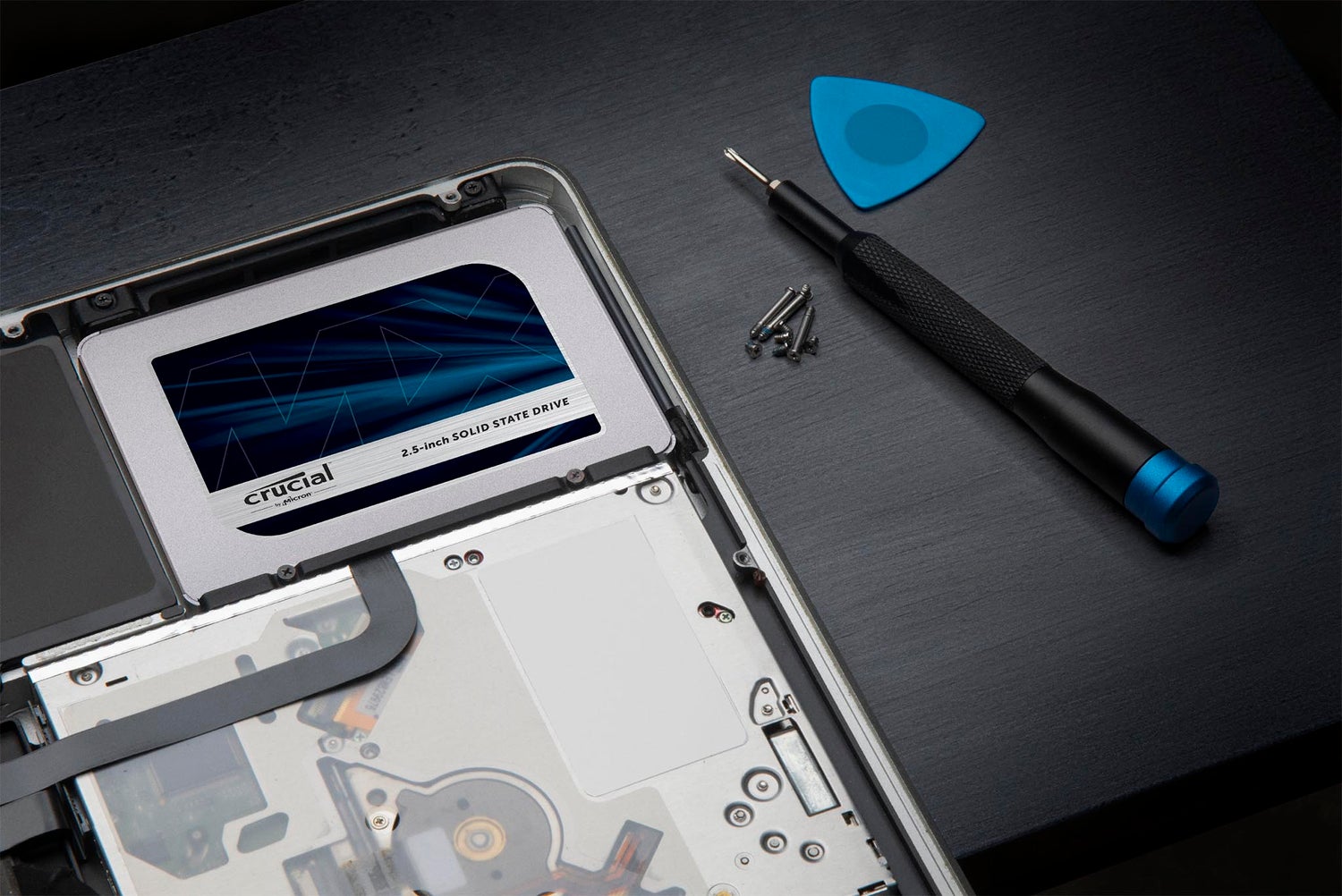
Mises à jour du firmware du Crucial MX500
Crucial propose deux options de mise à niveau du firmware pour le MX500 en fonction du firmware actuellement présent sur votre système.
Le firmware chargé sur votre SSD est indiqué sur l’étiquette du produit. Vous pouvez également trouver la version du firmware via le Panneau de configuration (Windows) ou À propos de ce Mac (Apple).
Comment trouver la version de votre firmware pour Windows®
Comment trouver la version de votre firmware (Mac®)
Options de firmware
M3CR020 > M3CR023
Version M3CR023:
The M3CR023 firmware is compatible with all drives shipped with firmware other than M3CR032.
- This firmware will update the MX500 SSD to version M3CR023.
Version M3CR023 (All form factors)
Download M3CR023
M3CR033 is the latest update for your drive.
M3CR032 > M3CR033
Version M3CR033:
The M3CR033 firmware is only compatible with drives that shipped with M3CR032.
This firmware will update the MX500 SSD from version M3CR032 to M3CR033. If your SSD has version any version besides M3CR032, this firmware update is not applicable and not necessary. M3CR033 includes the following changes:
- Fixed SATA protocol error that causes start-up failure on certain data center RAID systems
- Improved boot time after unexpected power loss
- Fixed Read DMA command abort after an interrupted Secure Erase
Version M3CR033 (All form factors)
Download M3CR033
M3CR042 > M3CR046
Version M3CR046:
- M3CR046 is an optional update which repairs a hang condition occurring under corner-case workloads. Most Windows desktop and notebook users will be unaffected by this change. is an optional update which repairs a hang condition occurring under corner-case workloads. Most Windows desktop and notebook users will be unaffected by this change.
Version M3CR046 (All form factors)
Download M3CR046
M3CR043 > M3CR046
Version M3CR046:
- M3CR046 is an optional update which repairs a hang condition occurring under corner-case workloads. Most Windows desktop and notebook users will be unaffected by this change. is an optional update which repairs a hang condition occurring under corner-case workloads. Most Windows desktop and notebook users will be unaffected by this change.
Version M3CR046 (All form factors)
Download M3CR046
M3CR044 > M3CR046
Version M3CR046:
- M3CR046 is an optional update which repairs a hang condition occurring under corner-case workloads. Most Windows desktop and notebook users will be unaffected by this change. is an optional update which repairs a hang condition occurring under corner-case workloads. Most Windows desktop and notebook users will be unaffected by this change.
Version M3CR046 (All form factors)
Download M3CR046
M3CR045 > M3CR046
Version M3CR046:
- M3CR046 is an optional update which repairs a hang condition occurring under corner-case workloads. Most Windows desktop and notebook users will be unaffected by this change. is an optional update which repairs a hang condition occurring under corner-case workloads. Most Windows desktop and notebook users will be unaffected by this change.
Version M3CR046 (All form factors)
Download M3CR046
M3CR046 is the latest update for your drive.
Avertissement : Crucial vous recommande de sauvegarder ou de copier tous les fichiers importants avant d’installer cette mise à jour du firmware. Cette mise à jour du firmware s’effectue sous votre seule responsabilité. Si elle est exécutée correctement, il n’y aura aucune perte de données système ou utilisateur actuellement stockées sur le disque. Toutefois, si la mise à jour du firmware est interrompue, votre SSD pourrait ne pas fonctionner correctement. Si la mise à jour du firmware est effectuée sur un ordinateur de type notebook, Crucial recommande de brancher l’ordinateur pour éviter toute interruption.

Utilitaire d'optimisation et de mise à jour
Storage Executive optimise et met à jour vos disques SSD Crucial sur les ordinateurs Microsoft Windows. Disques compatibles : SSD Crucial X10 Pro, X9 Pro, X9, X8, X6, série P, série T, T500, série MX, série BX, M550 et M500
Storage Executive est disponible uniquement pour les systèmes 64 bits.
Installation et garantie
Notre guide d’installation facile
Suivez notre guide étape par étape pour faciliter l’installation :
Préparation
Installation physique du SSD
Installation de Crucial Storage Executive
Clonage avec Acronis